A while back I sat in a cramped back office with the owner of a small accounting practice who believed he already knew how to create a strong password. Earlier that week, one of his staff had lost control of an email account, and the attacker had used it to send fake invoices to three clients. When we pulled the logs, the password itself told the whole story. There was a capital letter at the front, followed by the current season, the year, and an exclamation point at the end. In other words, it ticked every box on the company policy. Even so, it fell in a matter of minutes.
That owner was not careless. In fact, he had done exactly what he had been told to do for twenty years. The trouble is that the advice was wrong, or at least badly out of date, and most of us are still living with it.
I have spent a long career cleaning up after account takeovers, and the single most useful thing I can tell you is this: how to create a strong password is no longer a puzzle about symbols. Instead, it is about length, randomness, and never using the same one twice. Once you get those three right, you can stop dreading every “create your password” screen.
For that reason, this guide on how to create a strong password walks through what the current standards actually say, the method I use with my own family, how to make a long password stick in your head, and where it fits alongside password managers, multifactor authentication, and passkeys.
How to Create a Strong Password in 2026: What Actually Matters
A strong password has three qualities, in this order of importance: it is long, it is unpredictable, and it is unique to one account. Beyond that, everything else is decoration.
The clearest statement of this comes from the U.S. National Institute of Standards and Technology. Specifically, the final revision of its Digital Identity Guidelines, published in 2025, tells organizations to require at least 15 characters when a password is the only thing protecting an account, to accept passwords of at least 64 characters, to drop mandatory mixes of uppercase letters, numbers, and symbols, and to stop forcing people to change passwords on a schedule. Those are not suggestions from a vendor trying to sell you something. Rather, they are the baseline federal systems are built around.
Similarly, the Cybersecurity and Infrastructure Security Agency goes a step further for everyday users. Its Secure Our World guidance on strong passwords explains how to create a strong password that is long, random, and different for every account, and its public tip sheet also sets the bar at 16 characters or more.
Why Length Beats Everything Else
Think of every extra character as multiplying the number of guesses an attacker has to make. In practice, one more random character does not add a little difficulty; it multiplies the whole search. For example, the security firm Hive Systems publishes a well known password cracking table every year, and its 2025 edition modeled an attacker running twelve high end graphics cards against a common hashing method. As a result, short passwords collapse quickly under that kind of hardware, even with symbols mixed in, while long ones push the cracking time out to figures that stop meaning anything in a human lifespan.
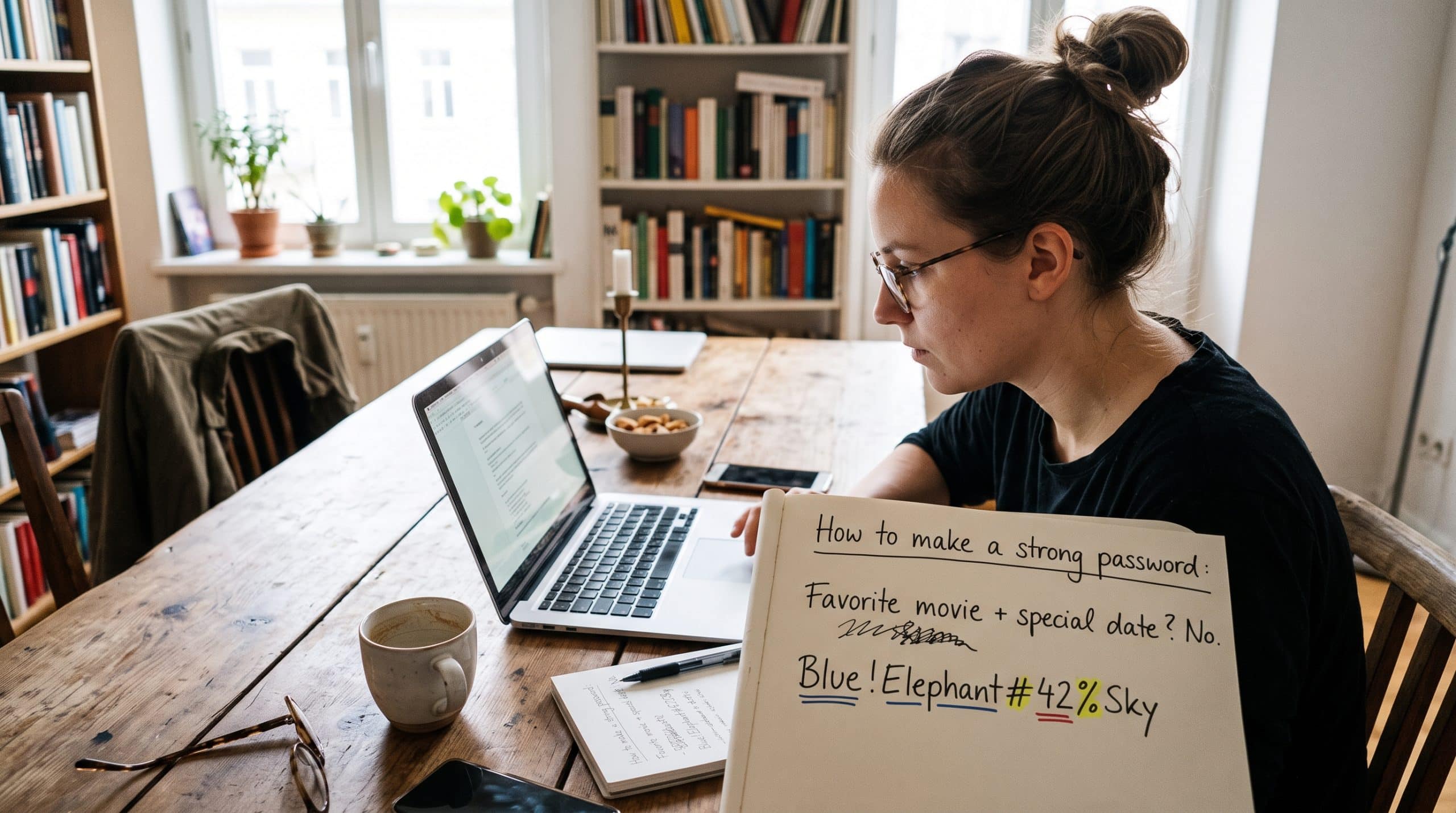
So when you picture a strong password, stop picturing something like Tr0ub4dor&3. Instead, picture something closer to a short, odd sentence that nobody else on earth would ever produce.
Why the Old Rules on How to Create a Strong Password Failed You
For years, password policies asked for one uppercase letter, one number, one symbol, and a fresh password every 90 days. On paper, that sounds rigorous. In practice, however, it trained millions of people to behave in exactly the same way.
When people are forced to add complexity, they add it in the most predictable places. Capitals usually land first. Meanwhile, numbers and symbols get tacked onto the end, while “a” becomes “@” and “o” turns into “0.” Unfortunately, attackers know all of this. Their cracking tools try those substitutions automatically, so “P@ssw0rd!” offers almost no protection over “password.” Likewise, the UK’s National Cyber Security Centre made the same point when it explained the logic behind its three random words advice: complexity rules tend to produce passwords that are hard for people to remember and still easy for machines to guess.
Forced Rotation Made It Worse
On top of that, forced rotation made it worse. If you have to change your password every quarter, you will not invent a brand new one each time. More likely, you will take the old one and bump the number, or cycle through the seasons. I have seen whole departments running on Spring, Summer, Autumn, and Winter followed by the year. That is why NIST’s current advice on how to create a strong password says organizations should only require a change when there is evidence a password has been compromised.
The Real Threat Is a Password Someone Already Has
Today the bigger danger is not someone guessing your password from scratch. After all, it is far easier to use one that has already been stolen. The Verizon Data Breach Investigations Report for 2025 found that stolen credentials were the most common way attackers got in, accounting for 22 percent of breaches. Moreover, 88 percent of attacks on basic web applications involved stolen credentials. Once a password leaks from one website, criminals feed it into automated tools that try it on banks, email providers, and shopping sites. This technique is called credential stuffing, and it is the reason a reused password is far more dangerous than a short one.
The Method: How to Create a Strong Password With Random Words
Here is how to create a strong password the way I recommend it to clients, friends, and my own parents. Essentially, it gives you length and randomness without asking you to memorize gibberish.
The NCSC popularized the idea with its three random words guidance, and for most everyday accounts that works well. However, for the handful of accounts that truly matter, such as your primary email or your password manager, I push people to five or six words. In the same way, CISA’s own tip sheet suggests a passphrase of five to seven unrelated words.
The single most important word in all of this is random. If you choose the words yourself, your brain will betray you. Before long, you will pick words that belong together, like “sunny beach holiday,” or words tied to your life, like your street and your dog’s name. Naturally, attackers build word lists out of exactly that kind of pattern. Therefore, the words need to be chosen by chance, not by you.
Rolling Your Passphrase With Dice
The most reliable way I know to get true randomness is with ordinary dice. To help with this, the Electronic Frontier Foundation publishes a free dice generated passphrase guide along with a list of 7,776 carefully chosen English words. Here is how it works:
- First, find five standard six sided dice, or roll one die five times.
- Next, roll them and write down the numbers in order, for example 4, 3, 4, 6, 3.
- Then look up that five digit number on the EFF long word list. That is your first word.
- After that, repeat until you have five or six words.
- Finally, keep the words in the order you rolled them, and resist the urge to swap out a word you dislike.
Each word drawn this way adds roughly 13 bits of randomness. Consequently, six words give you a password that is enormously expensive to brute force, yet you can type it on a phone without swearing at the screen. Honestly, that is most of what anyone needs to know about how to create a strong password. The EFF also explains the reasoning behind its list in its write up on new wordlists for random passphrases.
For instance, a passphrase built this way might look something like lantern cobalt gravy umpire velvet ladder. Please do not use that one, or any example you read in an article, because published examples get added to attacker word lists almost immediately. Indeed, the famous “correct horse battery staple” from a popular web comic is now one of the first things cracking tools try.
Spaces, Symbols, and Separators
NIST guidance says websites should accept spaces, so if a site allows them, use them. Otherwise, join the words with a dot or a single digit. When a site insists on a symbol or capital letter, satisfy it once, in the same spot every time, and do not overthink it. Ultimately, the words are doing the real work.
Making It Stick: How to Create a Strong Password You Can Remember
People tell me they could never remember six random words. Then I show them a trick, and they recite it back to me the next morning.
The human brain is terrible at storing strings of letters, but it is remarkably good at storing strange pictures. So turn your words into a scene. Using the example above, imagine an umpire in a velvet suit climbing a ladder, holding a cobalt blue lantern, with gravy dripping off the rungs. Generally, the more ridiculous the image, the better it holds. As you walk through the scene in order, the words fall out in order too.
Practice It Like New Vocabulary
Type it five or six times the day you create it. Then do it again the next morning, two days later, and at the end of the week. By then, it lives in your fingers as much as your head. This is called spaced repetition, and it works far better than staring at the phrase for twenty minutes once. A quick run-through before bed pairs nicely with the routine in our guide on how to fall asleep fast.
Is Writing It Down Allowed?
You may be relieved to hear that writing a password down is not the sin it used to be. In fact, the NCSC states that it is fine to write passwords down as long as you keep them somewhere safe. A card in a locked drawer at home is a far smaller risk than reusing one weak password across twenty sites. That said, what I do not want is a sticky note on your office monitor, or a note titled “passwords” sitting unprotected on your phone.
Finally, understand that you only need to memorize a few of these. In my own life I keep three in my head: the login for my computer, my primary email, and my password manager. Everything else is generated and stored for me, which brings us to the next point.
How to Create a Strong Password for Every Account
Uniqueness is the quality people skip most often, and yet it causes the most damage in the cases I handle. If you reuse a password, your security is only as good as the weakest website that holds it. For example, a forgotten forum account from 2014 with poor security can quietly hand an attacker the keys to your bank.
Of course, nobody can memorize a unique passphrase for a hundred accounts, no matter how well they understand how to create a strong password. That is exactly what a password manager is for. According to CISA, a password manager is a program that generates, stores, and fills in your passwords for you, and that warns you when a password is weak or reused. In short, you memorize one excellent passphrase to unlock it, and the manager creates long random passwords for everything else. If you are choosing a paid plan, it is worth giving it a small line in your budget rather than skipping it to save a few dollars. And if you run a small business or are just learning how to start an LLC, set up a shared business vault from day one so nobody passes logins around by email.
Are Password Managers Worth the Risk?
When clients worry about putting all their eggs in one basket, I tell them the honest version. Yes, a password manager is a valuable target. But reputable managers encrypt your vault so that the company itself cannot read it, and the realistic alternative for most people is reusing the same few passwords everywhere. So protect the vault with your strongest passphrase, turn on multifactor authentication for it, and you will be in a far better position than almost anyone around you.
Checking for Leaked Passwords
It is also worth checking whether a password you already use has shown up in a known breach. The free Pwned Passwords service lets you check a password against hundreds of millions of leaked ones without sending the actual password over the internet. Better still, many password managers run this check for you automatically.
Mistakes to Avoid When You Create a Strong Password
- Personal details. Pet names, children’s birthdays, anniversaries, and favorite teams are often visible on social media within minutes of searching.
- Keyboard patterns. Rows and diagonal shapes like qwerty or 1qaz2wsx are in every cracking dictionary.
- Famous lines. Song lyrics, movie quotes, and Bible verses feel unique, but they are easy to load into a word list.
- The “base plus site” trick. Using one core password and adding the site name at the end. Once one version leaks, the pattern is obvious.
- Truthful security questions. Your mother’s maiden name and first school are public record, so treat those answers like passwords and store random ones in your manager.
- Small edits after a breach. Changing a 1 to a 2 does not count as a new password.
Going Beyond the Password
A strong password is the foundation, not the whole house. After all, even a perfect passphrase can be stolen through a convincing fake login page, which is why it pays to know how to spot phishing emails. It is also why CISA lists turning on multifactor authentication as one of its four core habits for staying safe online.
Multifactor authentication means a stolen password alone is not enough to get in. If you have a choice, use an authenticator app or a physical security key rather than text message codes, since text messages can be intercepted or redirected. To begin, secure your email, because it is the account that can reset every other account you own. After that, move on to your bank, your phone carrier, and your password manager.
Passkeys Are the Next Step
Eventually, passkeys will make much of this article less necessary. A passkey replaces the password with a cryptographic key pair stored on your device and unlocked with your fingerprint, face, or device PIN. As a result, there is nothing to remember, nothing to reuse, and nothing a fake website can trick you into typing. The FIDO Alliance explains passkeys in plain terms, and most major platforms already support them. Whenever a service offers a passkey, I take it. Where it does not, knowing how to create a strong password and pairing it with multifactor authentication remains the standard.
A Ten Minute Plan to Create a Strong Password Tonight
- Roll dice and build a six word passphrase for your password manager, then practice it with the scene trick.
- Install a reputable password manager on your computer and phone.
- Change your primary email password to a new passphrase and turn on multifactor authentication.
- Do the same for your bank and mobile carrier accounts.
- Over the next week, let the manager flag reused and weak passwords, and replace a few each day as you log in.
You do not need to fix everything in one sitting. Even so, securing the five most important accounts tonight puts you ahead of most people.
The Bottom Line
The owner of that accounting practice now uses a password manager and a passphrase he can recite in his sleep. Later, he told me it was the first time in twenty years that passwords felt manageable rather than like a test he kept failing. That kind of relief is worth more than it sounds; removing small daily frictions is one of the simplest lessons in how to reduce stress. Ultimately, that is the real point of learning how to create a strong password. A strong password should be long, random, unique, and something you can live with every day. When security is usable, people actually use it, and that is when it starts protecting them.
Frequently Asked Questions: How to Create a Strong Password
What is the easiest way to learn how to create a strong password?
Start with the random words method. Roll dice using the EFF dice passphrase guide, pick five or six words, and turn them into a silly mental picture so they stick.
How long should a strong password be?
Aim for at least 15 characters, which matches the NIST Digital Identity Guidelines for passwords used on their own. Meanwhile, CISA recommends 16 or more. Either way, a passphrase of five or six random words clears both easily.
Are three random words really enough?
For most everyday accounts, the NCSC’s three random words approach is a solid choice. However, for your email, banking, and password manager, use five or six words chosen with dice.
Should I change my passwords regularly?
Not on a fixed schedule. Instead, change a password when there is a reason to, such as a breach notice, suspicious activity, or learning that you reused it somewhere. The NIST guidelines also advise against forced periodic changes.
Is it safe to write my passwords down?
Yes, as long as the paper is kept somewhere secure, such as a locked drawer at home. The NCSC says this is acceptable, and it is far safer than reusing passwords.
Are password managers safe to use?
Reputable password managers encrypt your data and are therefore recommended by CISA for exactly this job. Even so, protect yours with a strong passphrase and multifactor authentication.
How can I tell if my password has been leaked?
Check it with the free Pwned Passwords service, or use a password manager that monitors for breaches. If it appears, change it everywhere you used it.
What is a passkey, and should I use one?
A passkey is a login method that uses a cryptographic key on your device instead of a typed password. Because of this, it resists phishing and cannot be reused. For a clear overview, see the FIDO Alliance. Use passkeys wherever they are offered.
References
- National Institute of Standards and Technology. Digital Identity Guidelines: Authentication and Authenticator Management
- Cybersecurity and Infrastructure Security Agency. Secure Our World: Use Strong Passwords
- Cybersecurity and Infrastructure Security Agency. Secure Our World: Turn On MFA
- National Cyber Security Centre. The Logic Behind Three Random Words
- National Cyber Security Centre. Top Tips for Staying Secure Online: Three Random Words
- Electronic Frontier Foundation. EFF Dice Generated Passphrases
- Electronic Frontier Foundation. New Wordlists for Random Passphrases
- Hive Systems. 2025 Password Table
- Verizon Business. Data Breach Investigations Report
- Have I Been Pwned. Pwned Passwords
- FIDO Alliance. Passkeys